macOS System Monitor
Everything your Mac is doing,
at a glance.
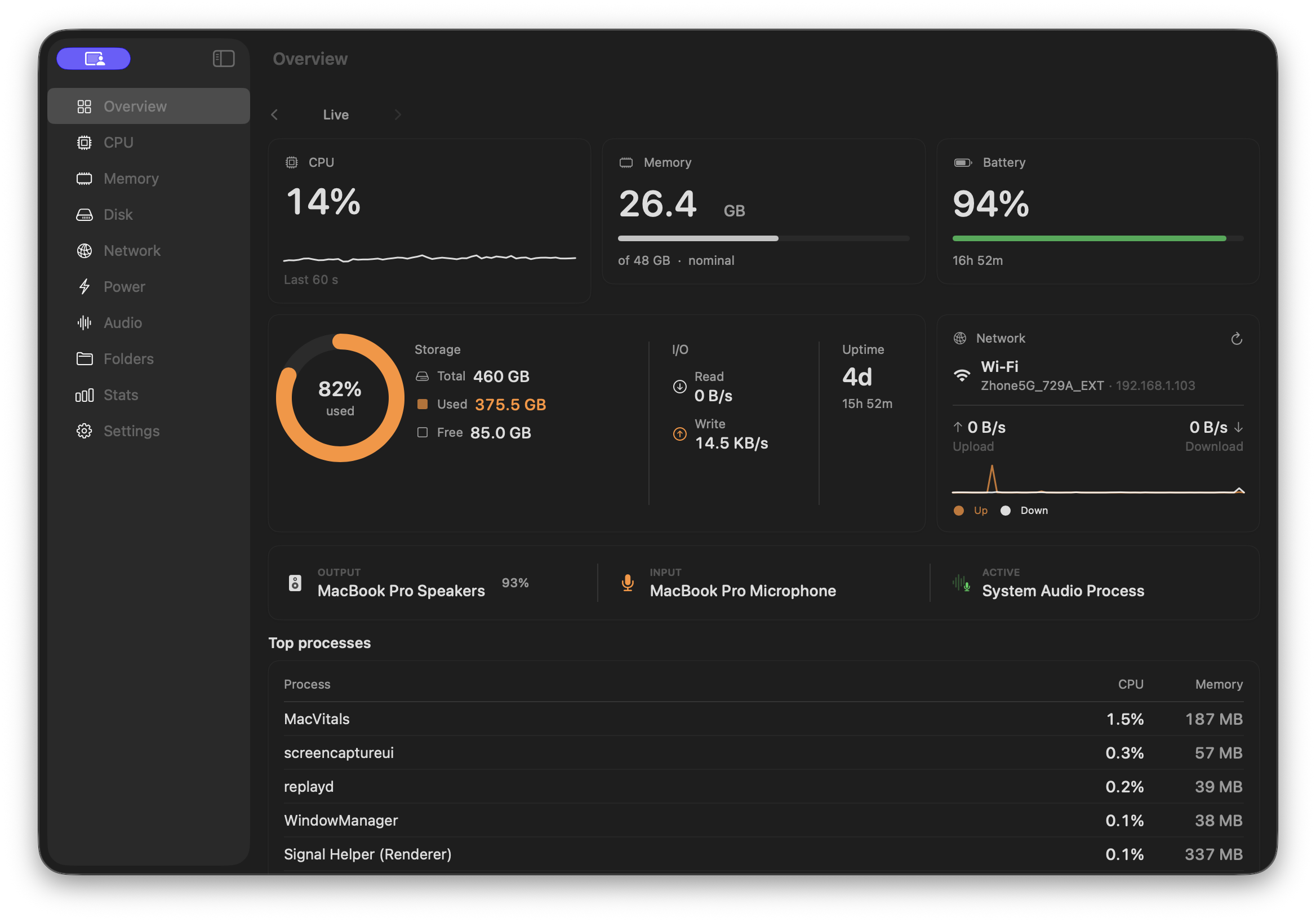
MacVital puts CPU, memory, disk, network, battery and audio data right in your menu bar — with beautiful charts and historical trends.
Free · No license required · macOS 14+ · Apple Silicon & Intel
Everything, in one place
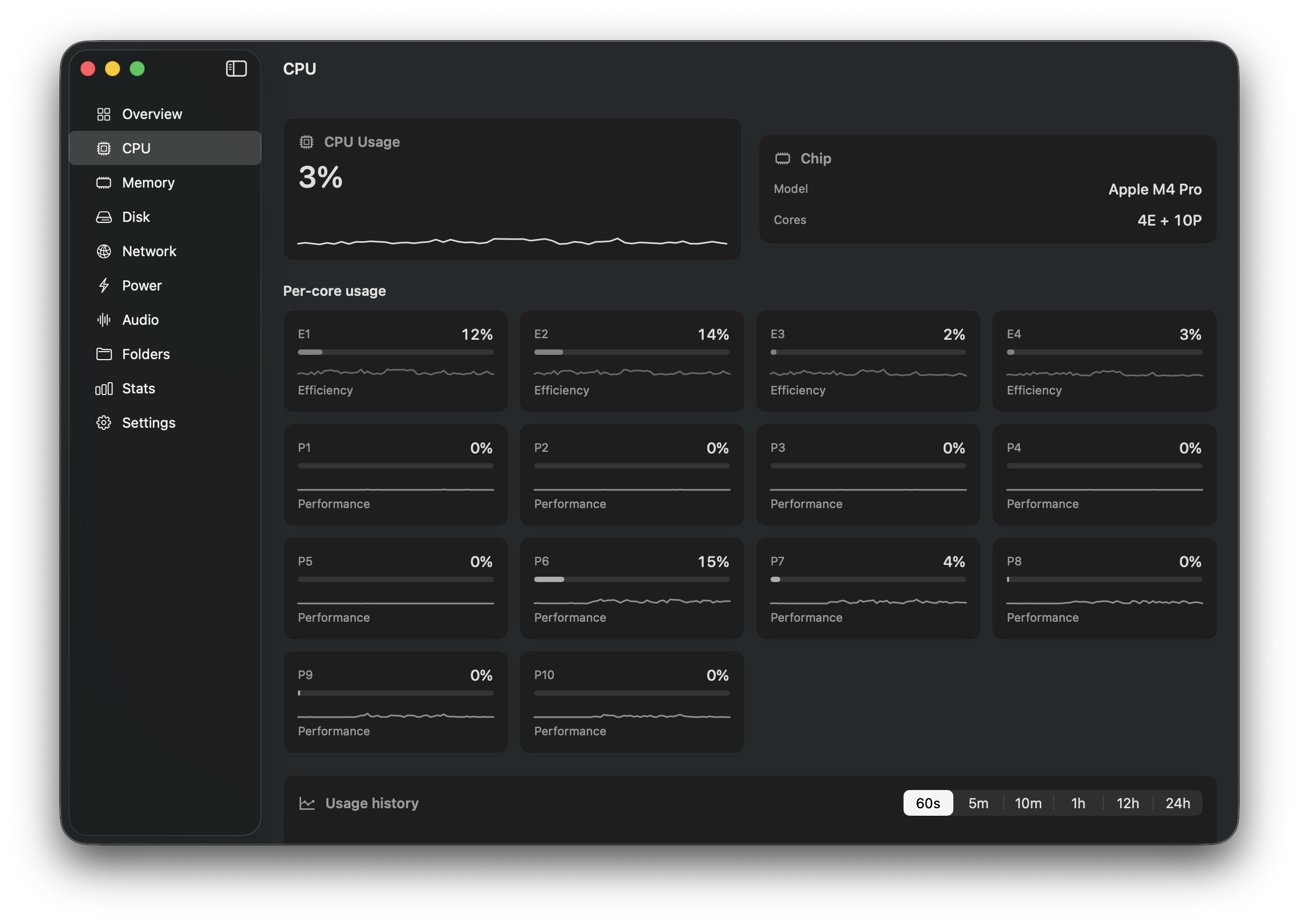
CPU
Per-core usage, efficiency vs performance cores, usage history and top processes.
Memory
RAM pressure, swap usage, wired/active/inactive breakdown.
Disk
Volume usage, read/write activity and folder size browser.
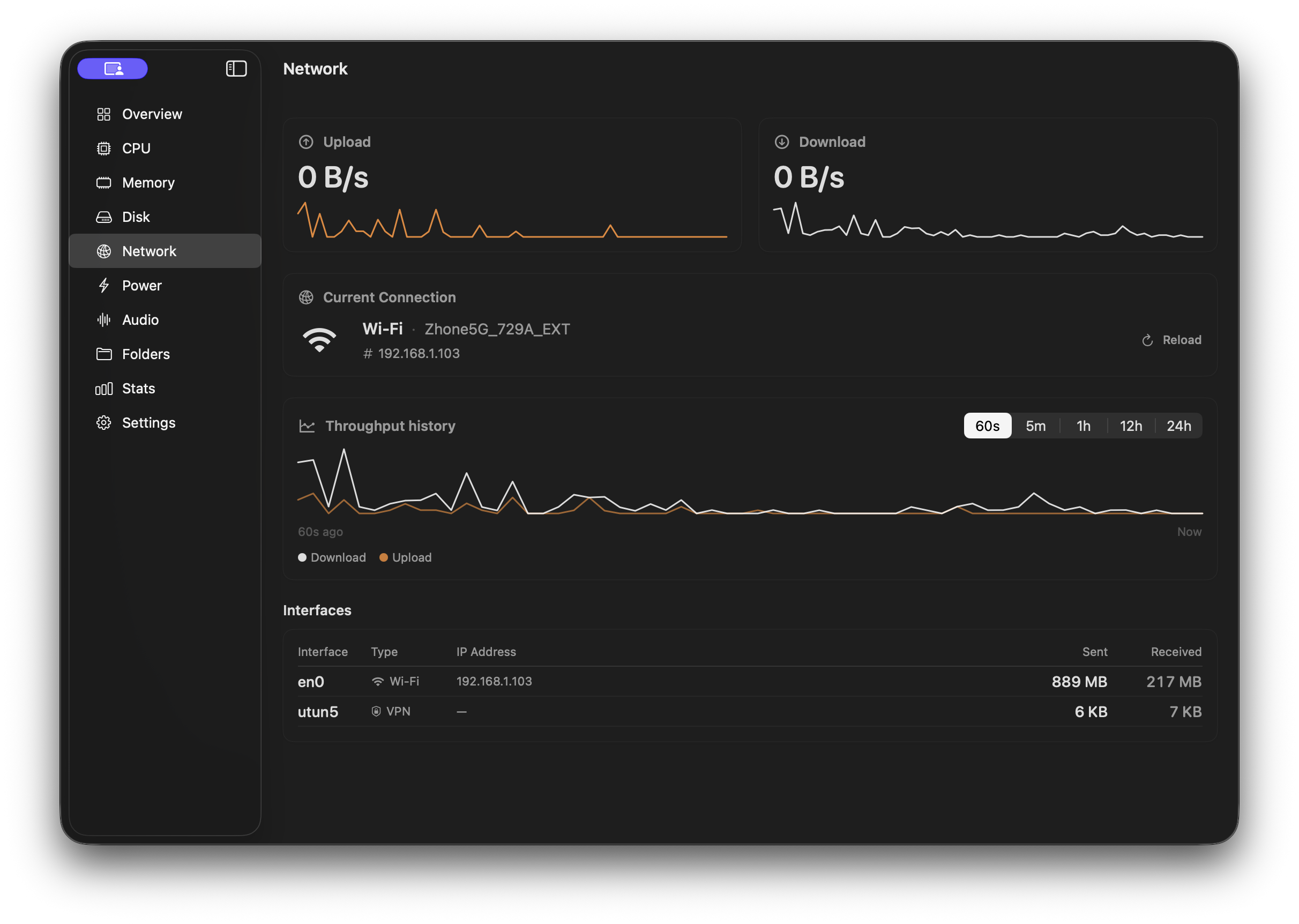
Network
Real-time throughput per interface, IP addresses and connection stats.
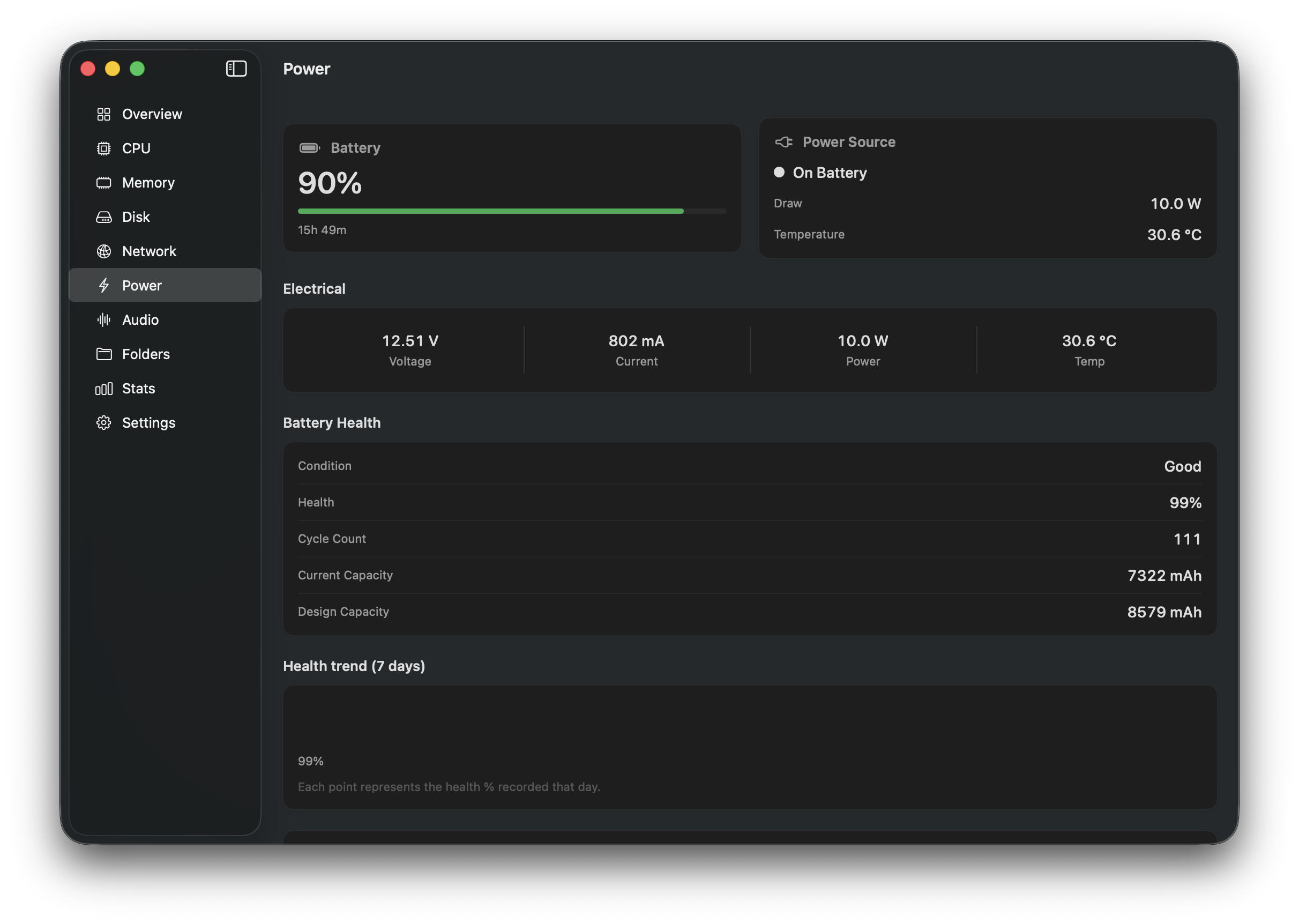
Battery
Charge level, health condition, temperature and power draw.
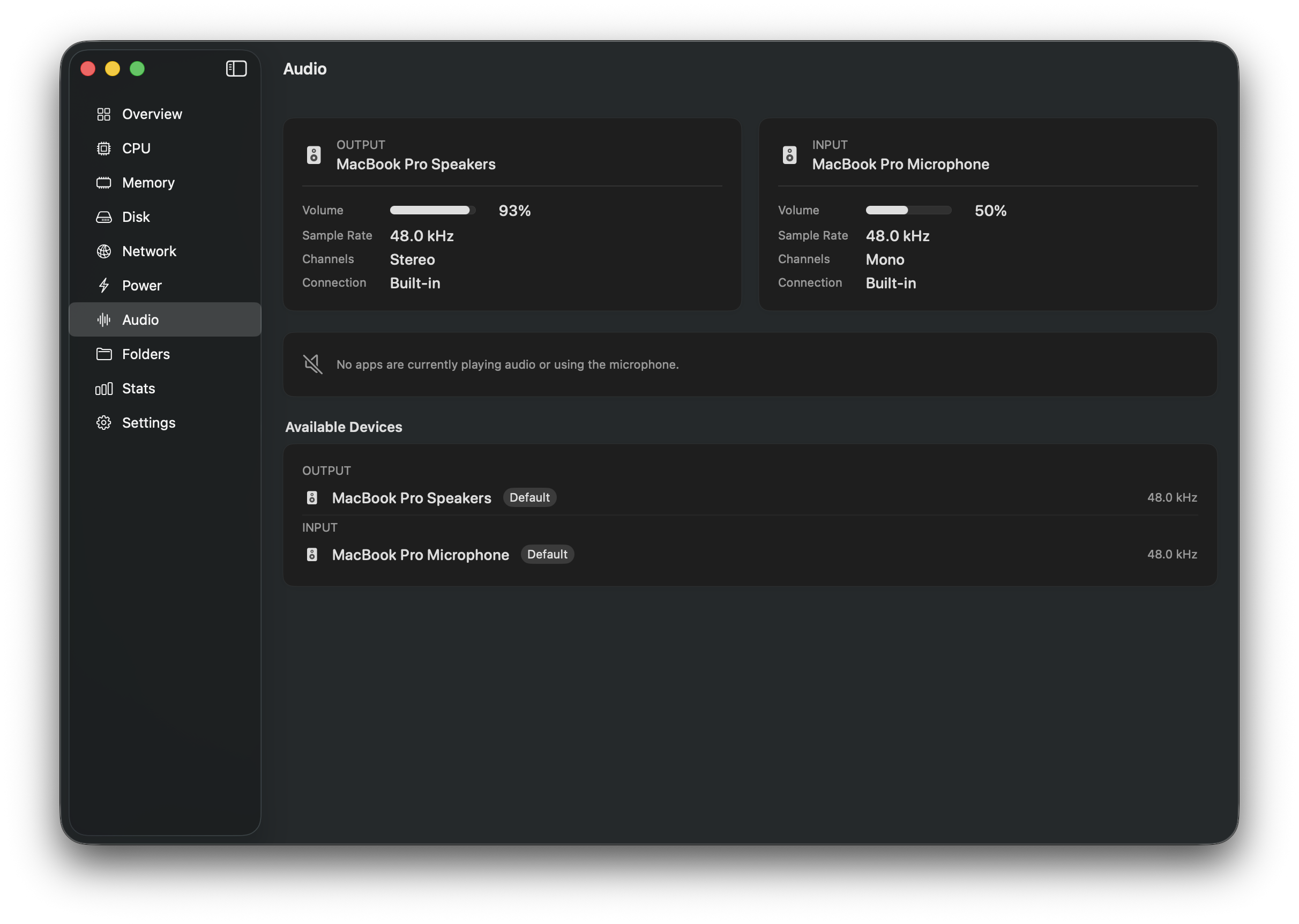
Audio
Output and input devices, sample rate, volume and active audio apps.
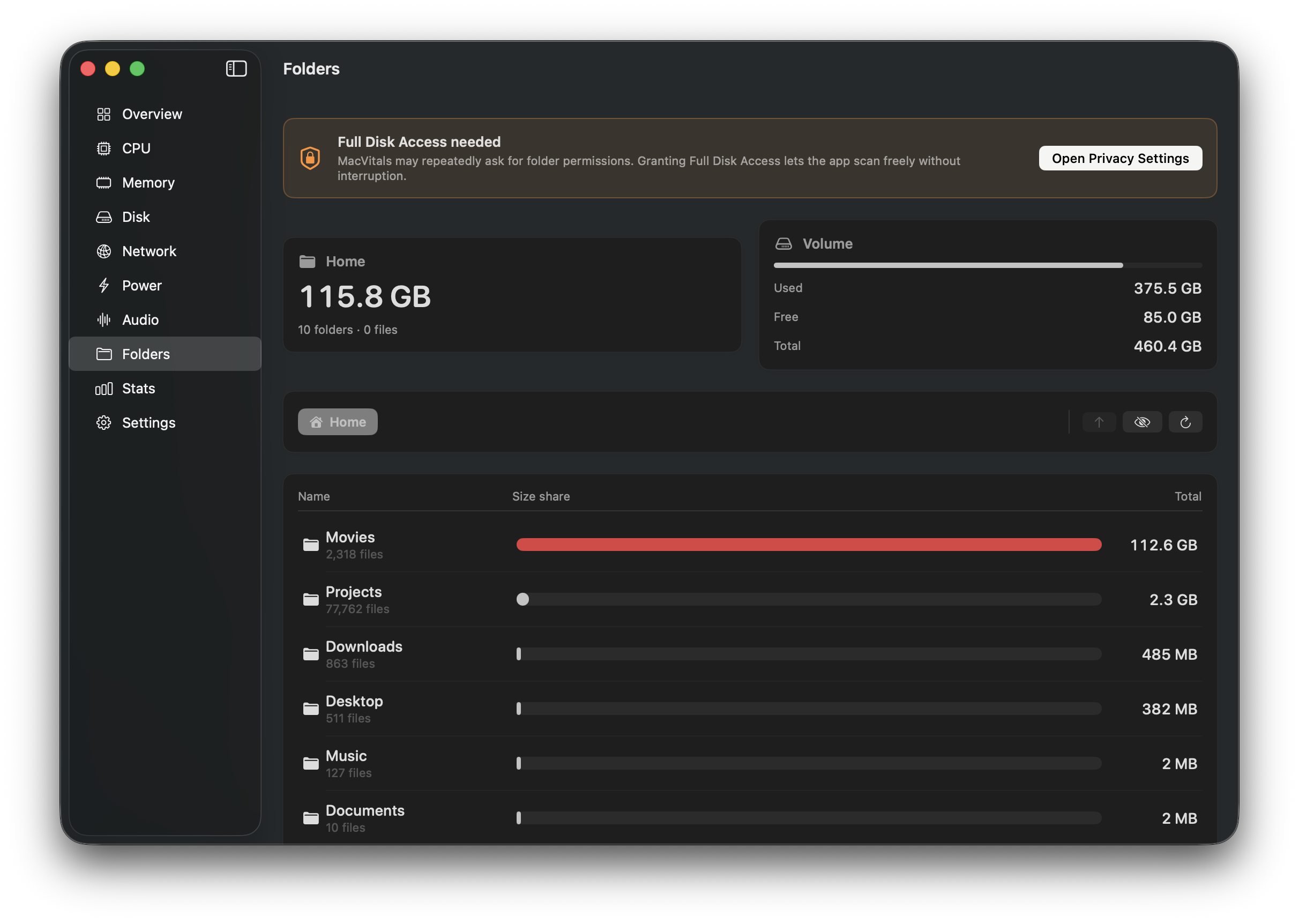
Folders
Browse any folder to see what is taking up space, sorted by size.
Stats
Historical data — review CPU, memory and disk trends over 30 days.
App Store vs Full Version
App Store
Free
- ✓ CPU & Memory overview
- ✓ Disk usage
- ✓ Network stats
- ✓ Battery health
- ✓ Audio devices
- ✓ Menu bar widget
- ✓ Historical stats
- ✗ Top processes
- ✗ Folder size browser
Direct download
Free
- ✓ CPU & Memory overview
- ✓ Disk usage
- ✓ Network stats
- ✓ Battery health
- ✓ Audio devices
- ✓ Menu bar widget
- ✓ Historical stats
- ✓ Top processes (CPU & Memory)
- ✓ Folder size browser
FAQ
Why are some features missing from the App Store version?
Apple requires App Store apps to run inside a security sandbox that blocks access to process data and the full filesystem. The direct-download version runs without those restrictions.
Is this a one-time purchase?
Yes. Pay once, use forever. All future updates for MacVital 1.x are included.
How do I activate my license?
After purchase you receive a license key. Open MacVital, go to Settings → License, paste the key and click Activate.
What macOS versions are supported?
MacVital requires macOS 14 Sonoma or later and runs natively on both Apple Silicon and Intel Macs.